9 min read
Agent skills: the missing piece of your AI workflow
Skills, MCPs, custom instructions... everyone is adding context to their agents. Here's why skills are different, and how the ecosystem converged in under a year.
agentsskillsAIDX
Skills, MCPs, custom instructions... everyone is adding context to their agents. Here's why skills are different, and how the ecosystem converged in under a year.
Your AI assistant knows TypeScript, React, and probably half the patterns in your codebase. What it doesn’t know is you: your conventions, your context, how you like to work. Every new session, you re-explain. Skills fix that.
Skills are the ecosystem’s answer to a concrete problem: how do you give an agent reusable, versioned, and contextual instructions, without pasting them into every prompt by hand.
A skill is a folder containing everything an agent needs to approach a specific task. The entry point is a SKILL.md file with a description field in its frontmatter, followed by the skill content. You can add references, templates, scripts: whatever helps.
Here’s what a minimal skill looks like:
---
name: git-commit
description: 'Execute git commit with conventional commit message analysis, intelligent staging, and message generation. Use when user asks to commit changes, create a git commit, or mentions "/commit". Supports: (1) Auto-detecting type and scope from changes, (2) Generating conventional commit messages from diff, (3) Interactive commit with optional type/scope/description overrides, (4) Intelligent file staging for logical grouping'
license: MIT
allowed-tools: Bash
---

# Git Commit with Conventional Commits

## Overview

Create standardized, semantic git commits using the Conventional Commits specification. Analyze the actual diff to determine appropriate type, scope, and message.

## Conventional Commit Format

<type>[optional scope]: <description>

[optional body]

[optional footer(s)]

## Commit Types

| Type       | Purpose                        |
| ---------- | ------------------------------ |
| `feat`     | New feature                    |
| `fix`      | Bug fix                        |
| `docs`     | Documentation only             |
| `style`    | Formatting/style (no logic)    |
| `refactor` | Code refactor (no feature/fix) |
| `perf`     | Performance improvement        |
| `test`     | Add/update tests               |
| `build`    | Build system/dependencies      |
| `ci`       | CI/config changes              |
| `chore`    | Maintenance/misc               |
| `revert`   | Revert commit                  |

## Breaking Changes

# Exclamation mark after type/scope

feat!: remove deprecated endpoint

# BREAKING CHANGE footer

feat: allow config to extend other configs

BREAKING CHANGE: `extends` key behavior changed

## Workflow

### 1. Analyze Diff

```bash
# If files are staged, use staged diff
git diff --staged

# If nothing staged, use working tree diff
git diff

# Also check status
git status --porcelain
```

### 2. Stage Files (if needed)

If nothing is staged or you want to group changes differently:

```bash
# Stage specific files
git add path/to/file1 path/to/file2

# Stage by pattern
git add *.test.*
git add src/components/*

# Interactive staging
git add -p
```

**Never commit secrets** (.env, credentials.json, private keys).

### 3. Generate Commit Message

Analyze the diff to determine:

- **Type**: What kind of change is this?
- **Scope**: What area/module is affected?
- **Description**: One-line summary of what changed (present tense, imperative mood, less than 72 characters)

### 4. Execute Commit

```bash
# Single line
git commit -m "<type>[scope]: <description>"

# Multi-line with body/footer
git commit -m "$(cat <<'EOF'
<type>[scope]: <description>

<optional body>

<optional footer>
EOF
)"
```

## Best Practices

- One logical change per commit
- Present tense: "add" not "added"
- Imperative mood: "fix bug" not "fixes bug"
- Reference issues: `Closes #123`, `Refs #456`
- Keep description under 72 characters

## Git Safety Protocol

- NEVER update git config
- NEVER run destructive commands (--force, hard reset) without explicit request
- NEVER skip hooks (--no-verify) unless user asks
- NEVER force push to main/master
- If commit fails due to hooks, fix and create NEW commit (don't amend)
Two invocation modes:
/blog-writer, /code-review. You call the skill by name.That’s why the description field is the most important part of a skill. It’s what determines whether the agent loads it or ignores it.
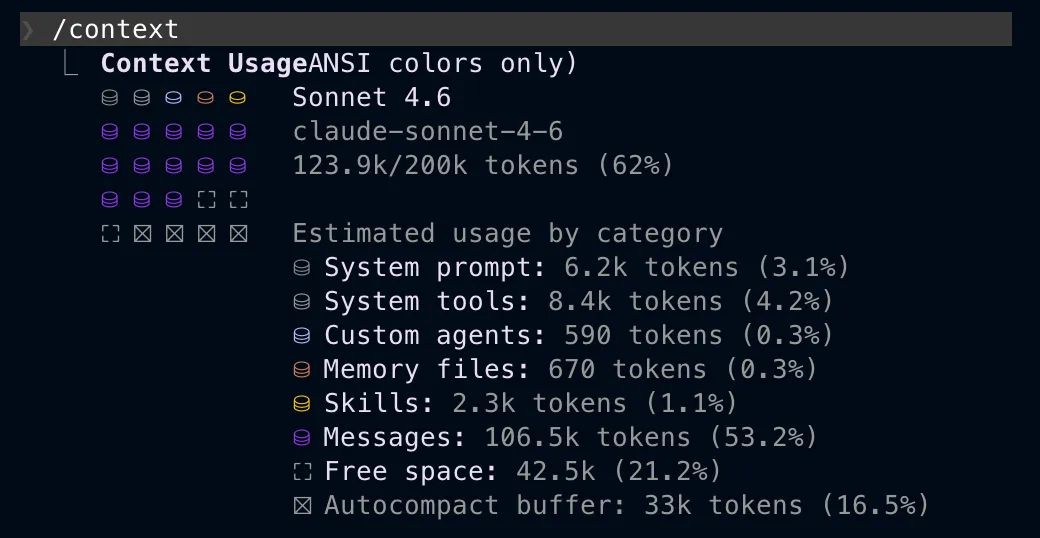
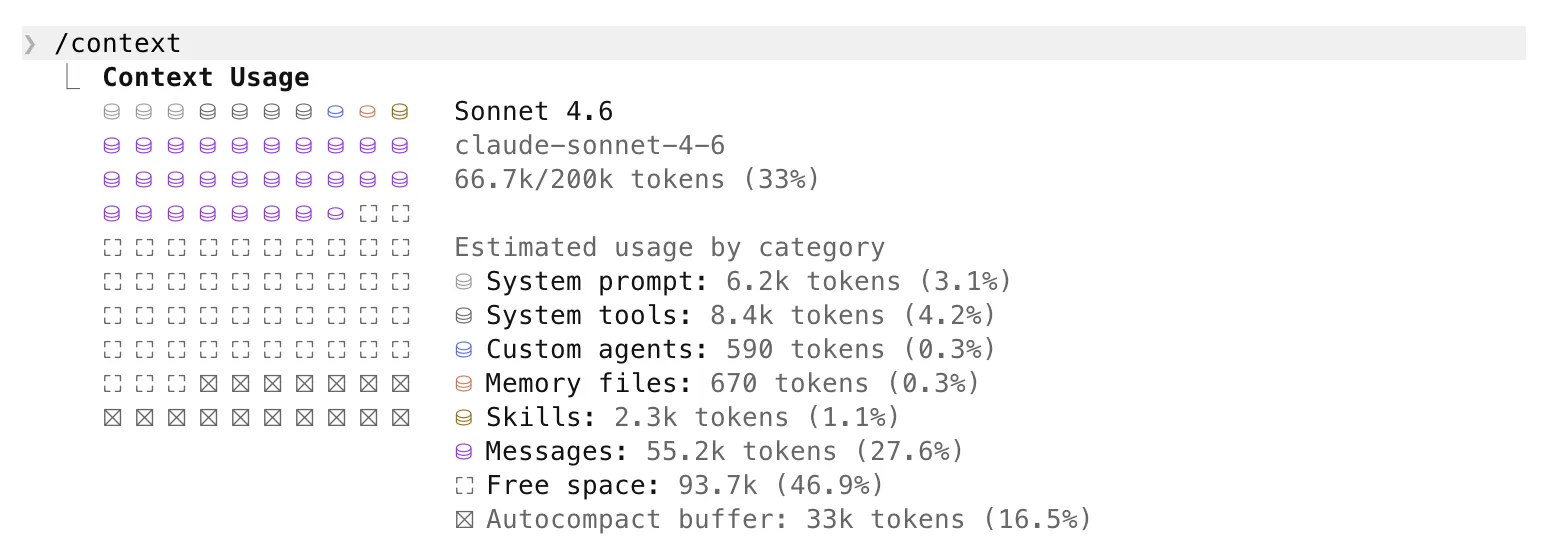
This is where skills differ from tools and MCPs on context management. An MCP loads its tool schemas at startup whether it gets used or not. A skill only loads its description at startup, a few dozen tokens, and its full content only if triggered. With 20 skills installed, the overhead stays negligible.
In under a year, every major dev assistant adopted the same concept and the same format: a folder with a SKILL.md, a name + description frontmatter, the rest in markdown. Claude Code, Copilot, Gemini CLI, Cursor, opencode.ai, Codex: same structure, same logic.
The one real difference is the path. .agents/skills/ is becoming the cross-tool standard: Copilot, Gemini, Cursor, Opencode, and Codex all read it natively. Only Claude Code continues to be different by using .claude/skills/, but a symlink is all it takes to align everything.
Vercel launched skills.sh, an open-source registry of community skills with a CLI to install them:
npx skills add vercel-labs/agent-skillsThe command installs the skill in .agents/skills/ (the canonical path) and offers two modes: symlinks to .claude/skills/, .cursor/skills/, etc. (recommended, single source of truth) or direct copies into each tool’s folder (useful if you want divergent versions per assistant).
All three already exist. The question is fair.
System instructions (CLAUDE.md, .cursorrules…) are always loaded, every session, whether relevant or not. That’s fine for global project conventions. But if you have 10 different workflows, you can’t dump everything into CLAUDE.md without drowning the agent in context it doesn’t need three quarters of the time.
MCPs give the agent capabilities: querying a database, calling an API, accessing remote files. They answer “what can the agent do?”. Skills answer “how should the agent approach this?”. Not the same question. A web search MCP doesn’t know which sources you prioritize, or what format you want results in. A skill specifies that. And a skill can describe how and when to use a specific tool or MCP right in its content.
Tools (function calling) follow the same logic as MCPs: action capabilities. A tool can write a file. It doesn’t know your naming conventions, or how you structure your components.
You could load this context manually before each task. A lot of people do, with prompt snippets pasted into their editor. That works, until you forget, or switch machines, or onboard someone new. Skills make the loading automatic, versioned, and shareable. You stop re-explaining yourself.
Project skills live in .agents/skills/ or .claude/skills/ at the repo root. Commit them: they’re team artifacts, the same as linters or CI configs. Any dev who clones the repo gets the same workflows.
Personal skills go in ~/.claude/skills/ or ~/.agents/skills/. Your personal conventions, shortcuts, quirks. Not in the repo.
settings.local.json stays local. It contains your personal agent configuration: permissions, preferences, overrides. It’s not meant to be shared.
This isn’t theoretical. The attack vector is straightforward: you install a “handy” skill found online, it contains hidden instructions in the content, your agent executes them without you noticing. Same risk as copying a shell script without reading it.
The rule is the same as with any third-party code: trust sources you know, verify the rest.
Skills don’t replace your tools, MCPs, or system instructions. They fill what was missing between the three: a layer of procedural expertise, loaded on demand, versioned with your code, shareable across a team.
If you’re using Claude Code, Cursor, Copilot, or Gemini CLI today, you can create your first skill in 10 minutes. One SKILL.md file, a well-written description, and your next repetitive workflow becomes a command.
The next question is how to organize and share skills as the collection grows. That’s what my next post will be about, covering a tool I’m building: SkillForge. 👀